Documentation / Synchronization
Why a product did not update or did not appear
Three common reasons: the push to the store was not run, categories are not mapped, or the product was skipped during the load.
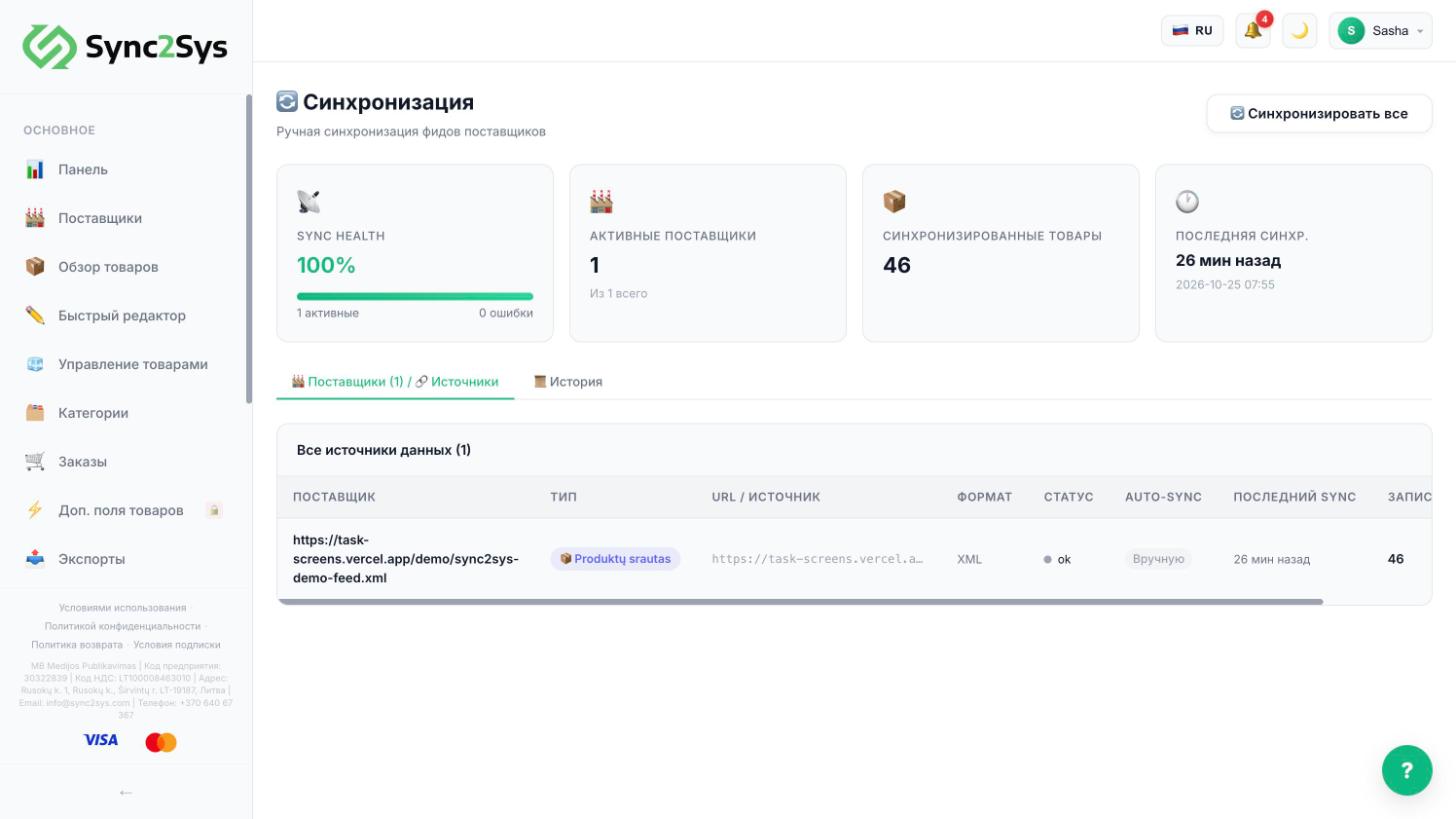
- "Synchronization" → "History": find the latest run and look at "Skipped". The reason is shown next to it: no price, no SKU, a duplicate.
- "Categories": a product in an unmapped category is not sent to your store.
- "Sales Channels": was the push to your store run? On the Sandbox plan it is manual.
- "Suppliers": is the price list status "Healthy"? If it is "Failing", fix the link first.
See also
How "Import" differs from "Sync all"What to do if the price list cannot be readHow to sort products into store categories
Did not find the answer?In the panel press ? at the bottom right and write in the chat. We reply within one business day, and can set things up for you.