Documentation / Suppliers
What to do if the price list cannot be read
The "Failing" status on a supplier means the system could not download or parse the price list. Most often the problem is the link itself.
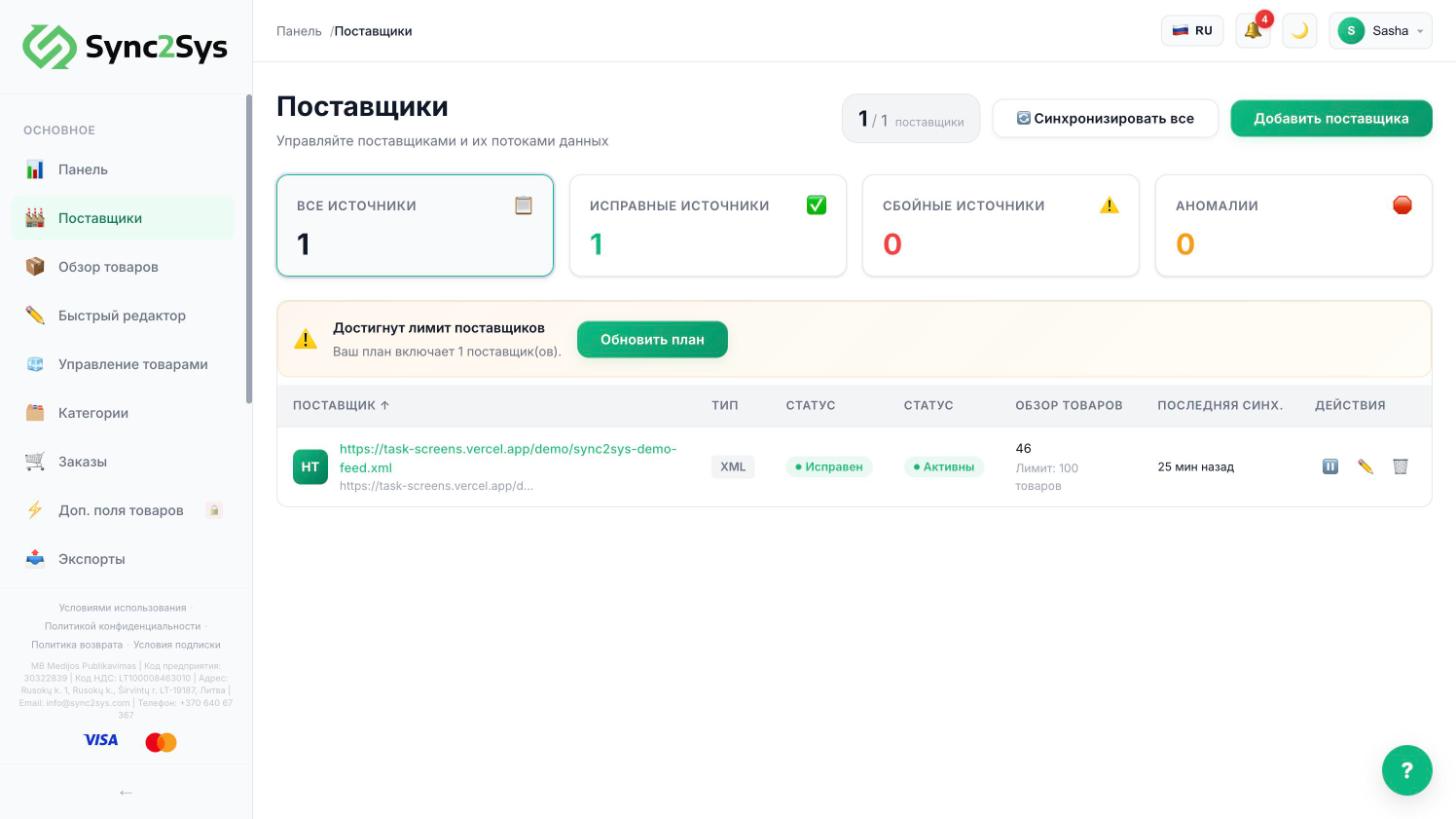
- Open the link in your browser. The file should download or open right away, without a login or captcha.
- Check the format: XML, CSV, JSON, Excel or Google Sheets. For Google Sheets, turn on link sharing.
- If the link needs a login and password, ask your supplier for a direct link or FTP access and set "Feed type" to FTP.
- Open the supplier → the "Health & Diagnostics" tab: it shows the last error in plain words.
- Still not working? Write to us in the chat (the "?" button) and include the link. We will check it ourselves.
See also
Did not find the answer?In the panel press ? at the bottom right and write in the chat. We reply within one business day, and can set things up for you.