Documentation / Categories
How to sort products into store categories
Your supplier has its own categories, and your store has its own. Mapping tells the system where to put each product. You can set it up even before connecting a store.
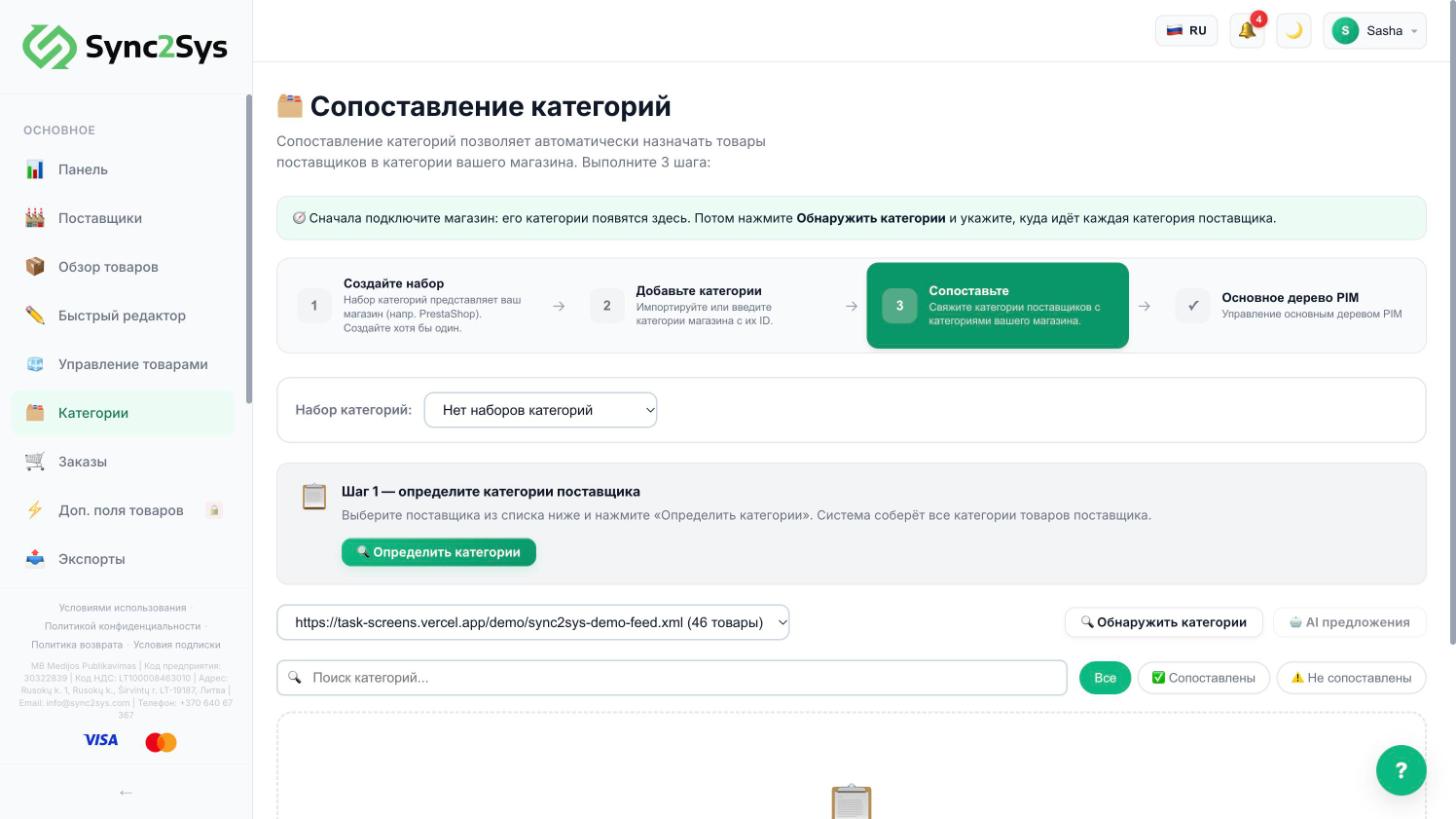
- Create your own categories in "Categories": by importing from the connected store ("Import from store"), with an "ID;Name" list, by copying the supplier tree, or manually.
- Choose a supplier and press "Detect categories": the system collects the categories from the price list.
- Next to each supplier category, choose your own category. You can do it manually, by search or with "AI Suggest".
- The "Unmapped" filter shows what is left.
- Products from unmapped categories do not get into the store.
TipStore categories are not pulled in by themselves when you connect a store: press "Import from store" in "Categories".
See also
Did not find the answer?In the panel press ? at the bottom right and write in the chat. We reply within one business day, and can set things up for you.