Documentation / Products
What product statuses mean
The status shows what happens to a product when it is pushed to your store.
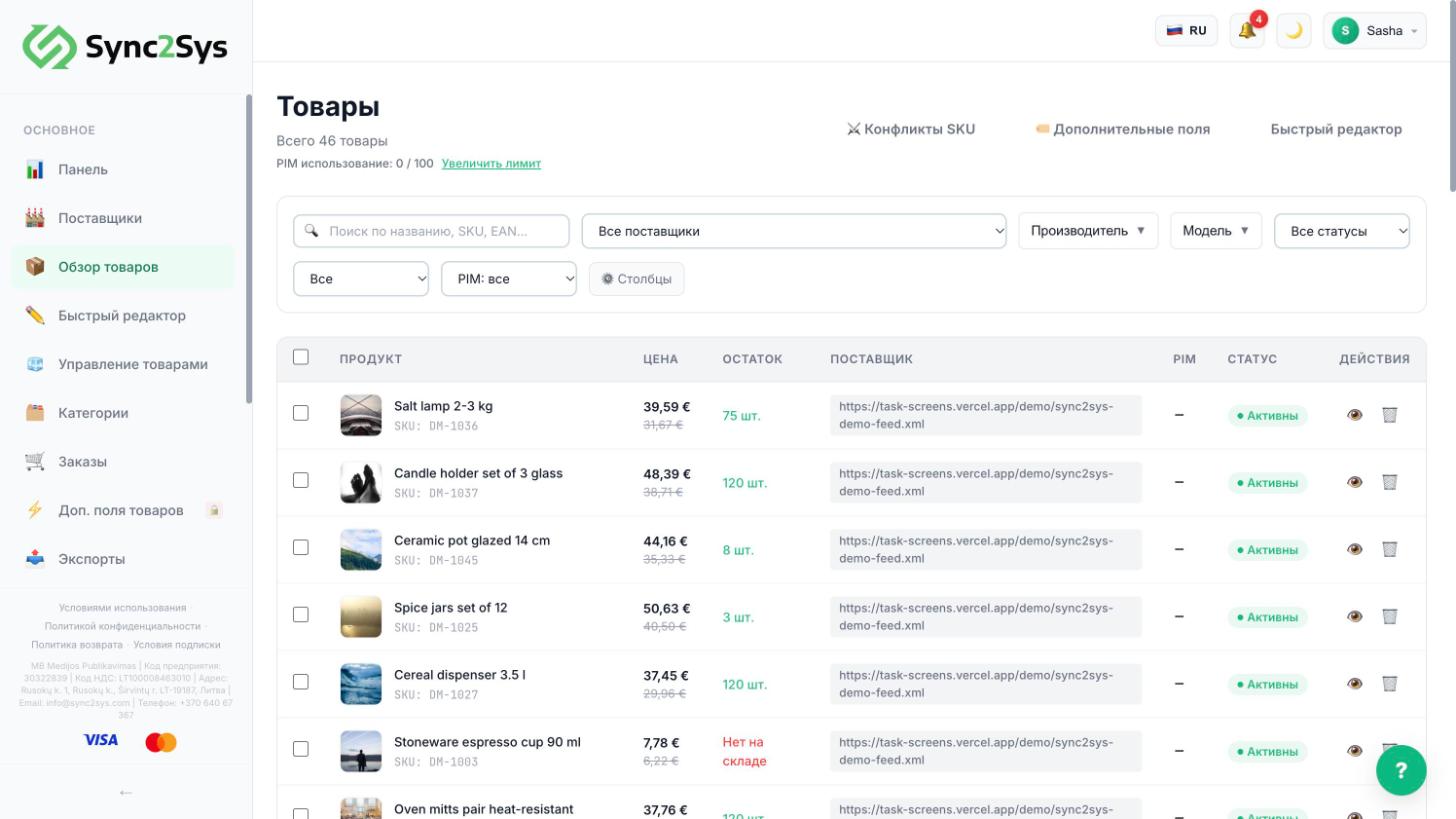
- Active: the product is pushed to your store and updated on every sync.
- Inactive: it stays in Sync2Sys and is not sent to your store. Use it to hide a product without deleting it.
- Draft: some data is missing, usually the price or the name. Open the product card and fill it in.
- Error: the reason is in the product card. Usually the store rejected the product during the push.
- Out of stock: stock is 0, and the store shows the product as unavailable.
TipThe "All statuses" filter above the table shows only the statuses you need.
TipUse the checkboxes on the left to turn several products on or off at once.
See also
Did not find the answer?In the panel press ? at the bottom right and write in the chat. We reply within one business day, and can set things up for you.