Documentation / Pricing
How to set a markup
Store price = supplier price + your rule. One rule can cover all products or only some of them.
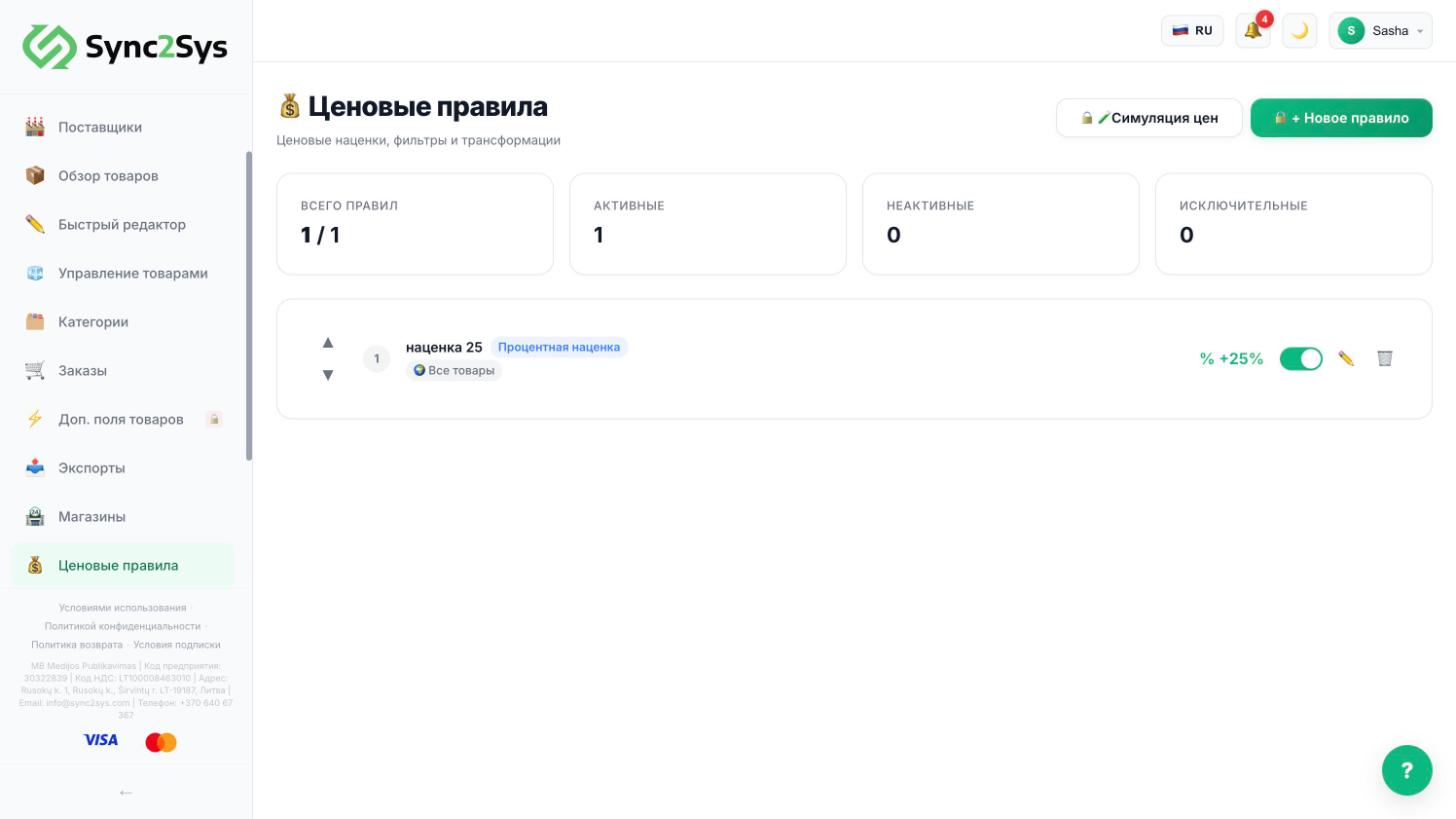
- "Pricing Rules" → "New rule".
- "Name": anything. "Type": "Percentage markup". "Value": for example 25.
- "Condition": "All products", or only one supplier, category or price range.
- At the bottom, in "Price preview", enter a supplier price and press "Calculate" to check.
- Press "Create rule". Prices in "Product Overview" are recalculated, and the old price is shown crossed out.
TipRule types: percentage, fixed amount, target margin, rounding (to .99), and a formula for complex cases.
See also
Did not find the answer?In the panel press ? at the bottom right and write in the chat. We reply within one business day, and can set things up for you.