Documentation / Importing products
What to do if a field was not detected
The system maps fields by their names. If a name in the price list is unusual, the field stays set to "Skip" and you need to choose it manually.
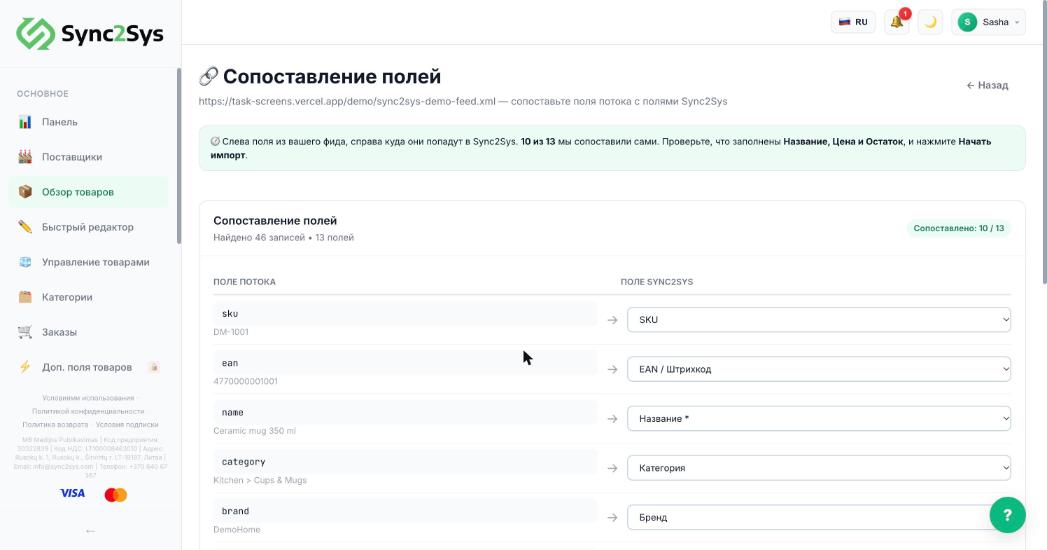
- Find the row marked "not mapped" or set to "Skip".
- Look at the sample value under the field name: it tells you what the field is.
- In the list on the right, choose the matching Sync2Sys field.
- If there is no such field (for example, "Delivery time"), choose "Custom field".
- Press "Start import". The mapping is saved for this supplier.
See also
Did not find the answer?In the panel press ? at the bottom right and write in the chat. We reply within one business day, and can set things up for you.