Documentation / Stores and channels
How to connect WooCommerce
WooCommerce needs an access key (API key) from your store admin. It takes a minute to create.
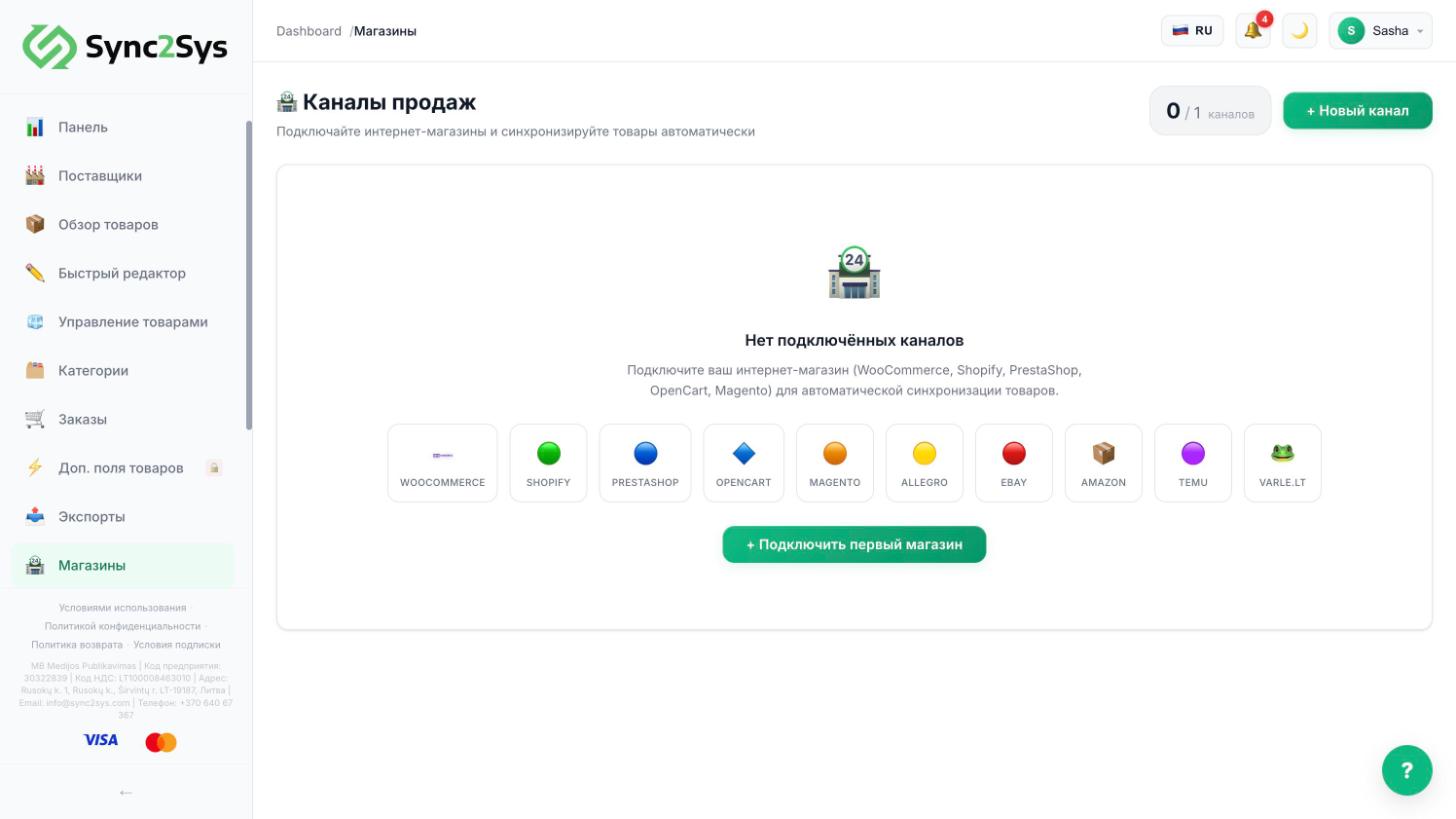
- In the WordPress admin: WooCommerce → Settings → Advanced → REST API → "Add key".
- Permissions: "Read/Write". Press "Generate API key" and copy the Consumer key and Consumer secret right away, as they are shown only once.
- In Sync2Sys: "Sales Channels" → "New channel" → WooCommerce. Enter the store address, the key and the secret.
- Press "Test connection", then save.
- Choose what to push: all products or only those in an export filter. Run the channel sync.
If it does not workThe check fails: make sure the site opens over https and the WordPress permalinks are not set to "Plain" (Settings → Permalinks).
See also
Did not find the answer?In the panel press ? at the bottom right and write in the chat. We reply within one business day, and can set things up for you.